
Tower Crash on Mobile and PC — Browser Is Enough

The Short Answer: Use the Browser
There is no standalone Tower Crash app. The game runs inside casino platforms — 1Win, PIN-UP, LuckyStar and others. Each of those casinos has either a mobile app or a mobile-optimized website. Both run Tower Crash without any difference in performance.
Our recommendation for most players: skip the app download and play in your mobile browser. The browser version loads the same game, requires no installation, and updates automatically when the casino rolls out changes. The only thing you miss is push notifications — which, honestly, may be a feature you're fine without.
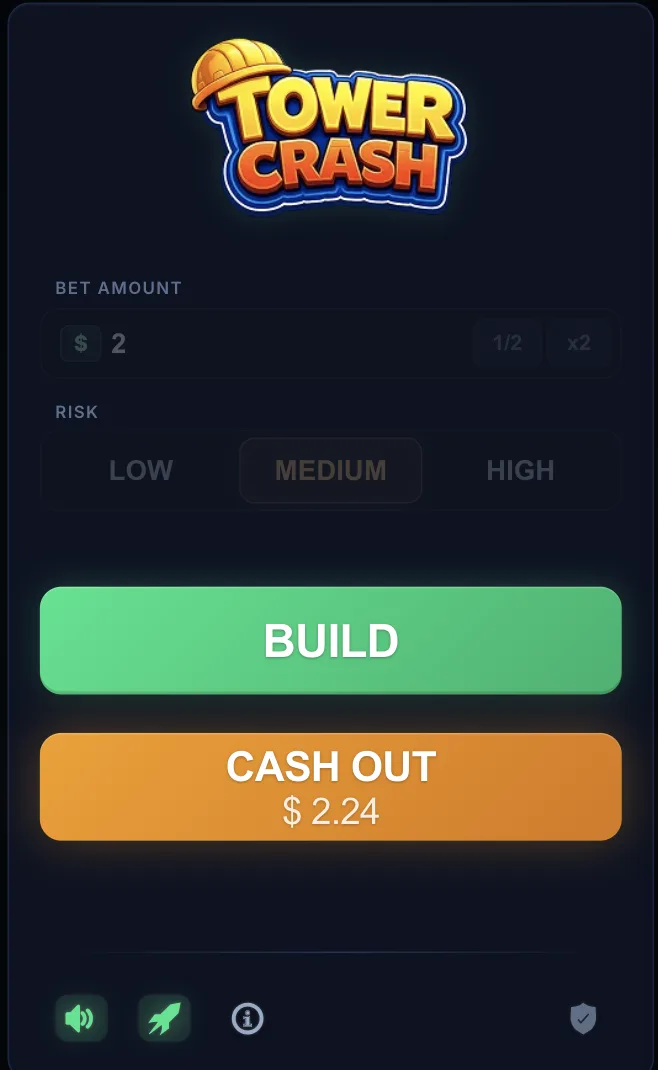
Playing Tower Crash in a Mobile Browser
Android Chrome and iOS Safari — tested on both
Tower Crash loaded and ran without issues on a Samsung Galaxy A12 (2020), a OnePlus 8T, and an iPhone 11 in our tests. The game's animations and graphics are light — anything running Chrome/Safari on hardware from 2019 onwards handles it fine. The bottleneck is almost always connection quality, not the device.
On Android (Chrome):
- Open Chrome and go to your casino's URL (1Win, PIN-UP, or LuckyStar)
- Log in or register — the site auto-detects mobile and adjusts the layout
- Navigate to Casino → Crash Games → Tower Crash
On iOS (Safari):
- Open Safari and go to your casino's URL
- Tap "Accept Cookies" if prompted, then log in
- Navigate to Casino → Crash Games → Tower Crash
Both browsers handle the touch controls well. The cash-out button and floor-stacking button are sized correctly for thumb use — we didn't have any misfires during testing.
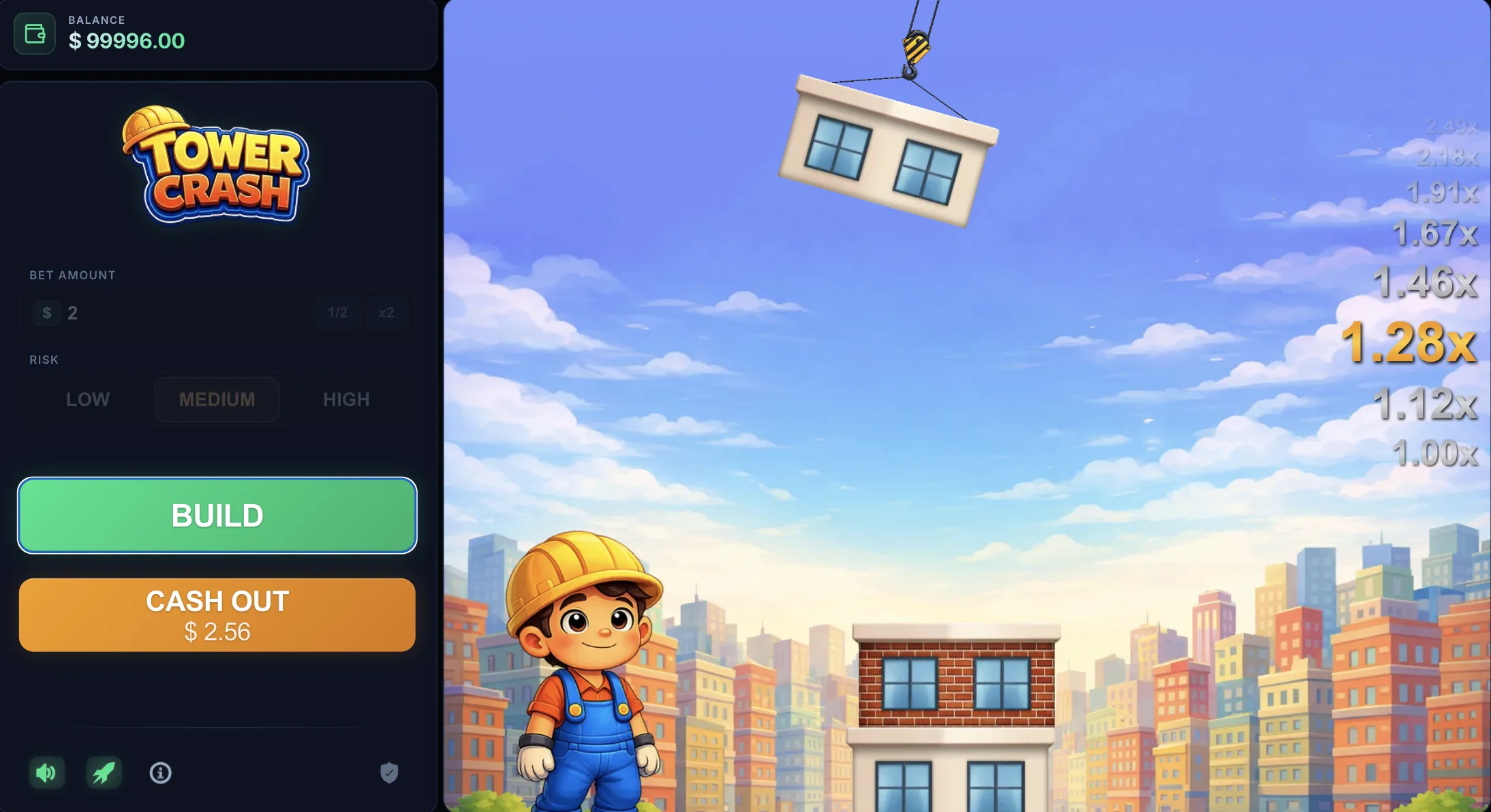
When the Casino App Is Worth It
The casino app adds one practical thing: push notifications for bonus offers and deposit match promotions. If you play regularly and want to know when a 30% reload bonus is live, the app is useful. For Tower Crash specifically, the game experience is identical to browser.
1Win app (Android and iOS): available on the 1Win website (not Play Store — Android requires sideloading from their site). iOS version available on App Store in India. 60–80MB install.
PIN-UP app (Android and iOS): also on their site for Android, App Store for iOS. Includes both casino and sports betting in one app. 50–120MB.
To get the app on Android: go to the casino's website from your Android browser, look for the "Download App" or "Android APK" link in the footer or homepage. Enable "Install from unknown sources" in Android settings, then run the downloaded file. The process takes under 2 minutes.
System Requirements — Connection Speed Matters Most
Device specs are a low bar; stable connection is the real requirement
Tower Crash runs on modest hardware. The minimum device requirements are low — the bottleneck in almost all performance issues is connection speed, not processing power.
| Platform | Minimum Spec | Recommended |
|---|---|---|
| Android | Android 8+, 1GB RAM, 4G | Android 10+, 2GB RAM, 4G/5G |
| iOS | iOS 11+, 1.2GB RAM, 4G | iOS 13+, 2GB RAM, Wi-Fi/5G |
| PC/Mac | Chrome/Firefox/Safari/Edge, 4GB RAM | 8GB RAM, stable broadband |
Connection speed guidance: Tower Crash doesn't require high bandwidth — the game assets are small. But a latency spike mid-round (when you're trying to cash out) is the most common cause of missed exits. A stable 4G or Wi-Fi connection prevents this. Playing on unstable 2G or an intermittent connection is the main risk factor.
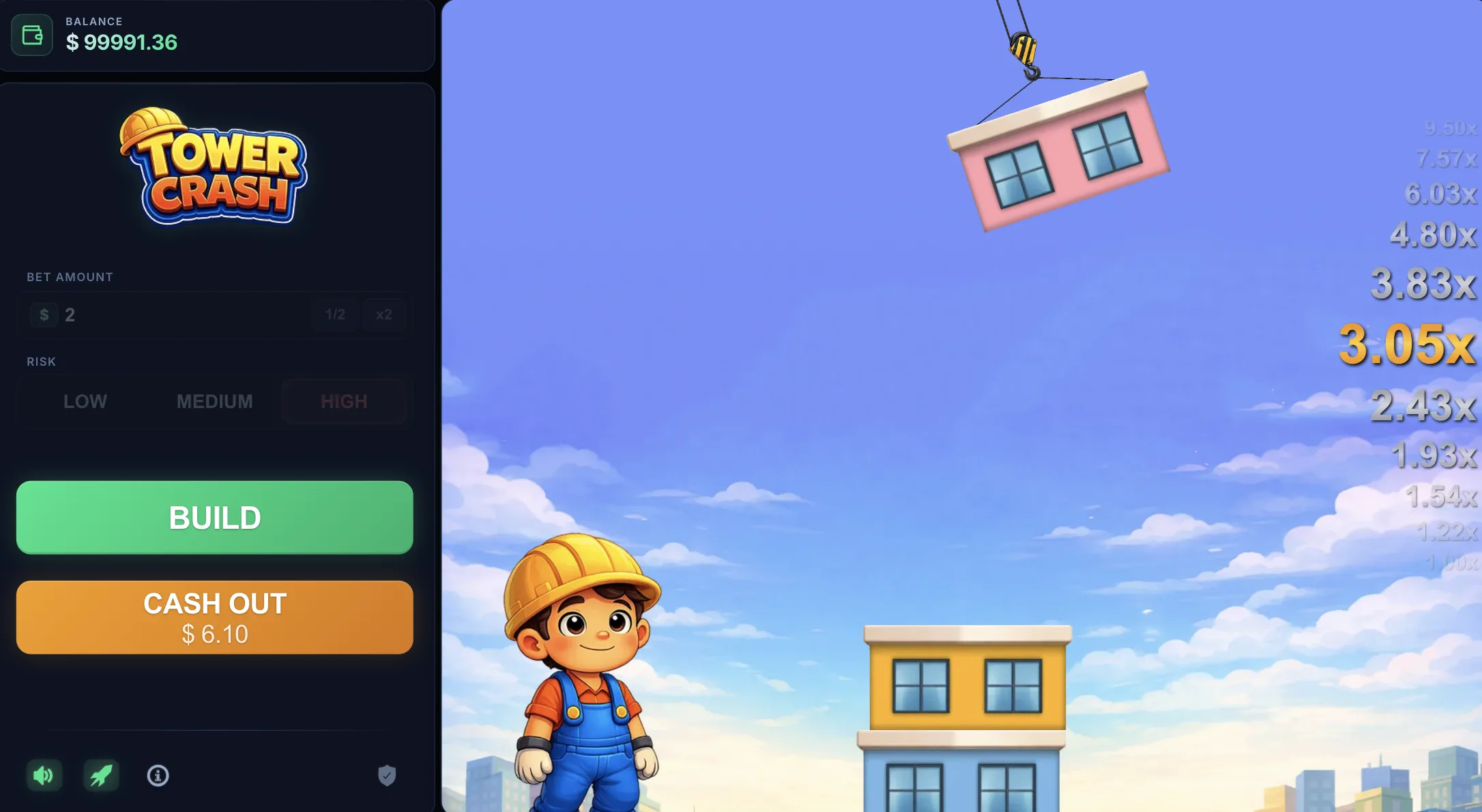
Common Mobile Issues and How to Fix Them
Game Lags or Freezes
Most likely cause: connection instability, not device performance.
Fix: switch from mobile data to Wi-Fi (or vice versa). Close other apps running in the background. Reload the game page.
Game Doesn't Load
Most likely cause: outdated browser, cookies blocking the game, or the casino's CDN not reaching your location quickly.
Fix: update Chrome/Safari, clear browser cache and cookies, try a different browser.
Can't Log In on Mobile
Most likely cause: cookies disabled in browser settings or a session timeout.
Fix: enable cookies in browser settings, log out and back in. If using the app, try uninstalling and reinstalling.
Tower Crash on PC — Browser Only
There is no downloadable PC app for Tower Crash or for the casinos that host it (as desktop software). PC play is browser-only — open Chrome, Firefox, Edge, or Safari and go to the casino website. The desktop interface is the fullest version of Tower Crash, with the largest screen real estate for the game graphics.
Chrome and Firefox give the best performance. Safari on Mac works well. Edge is fine. All support the WebGL rendering Tower Crash uses for its 3D tower animations.
For PC play, a stable broadband or Wi-Fi connection is the only meaningful requirement. Any computer built in the last 6 years handles the game without issue.
Ready to Play Tower Crash?
Open your casino in browser — no download needed
FAQ: Tower Crash on Mobile & PC
Is there a dedicated Tower Crash app?
No. Tower Crash runs inside casino platforms (1Win, PIN-UP, etc.). You access it through the casino's app or website, not a standalone Tower Crash app. The game experience is the same either way.
Does Tower Crash play better in the app or browser?
Performance is identical between the casino app and browser for Tower Crash specifically. The app's advantage is push notifications for bonus offers. For the game itself, there's no meaningful difference — use whichever you prefer.
Can I play Tower Crash offline?
No. Tower Crash requires an internet connection. The game runs on the casino's servers — the RNG, each round's result, and the multiplier calculation all happen server-side. An active connection is required throughout a session.
Why is the Tower Crash app not on the Play Store?
Google Play Store's policies restrict real-money gambling apps in most regions. Casino operators distribute their Android apps directly from their websites as APK files. iOS versions are available on the App Store in India for 1Win and PIN-UP.
Will Tower Crash run on an older Android phone?
Android 8 or higher should work. The game has low hardware requirements — the limiting factor is usually connection speed, not processing power. A 3–4 year old mid-range Android running Chrome with a stable 4G connection handles Tower Crash without issue.
How much mobile data does Tower Crash use per session?
Tower Crash is light on data — the game assets are small and load once at session start. Ongoing gameplay sends and receives small round-result packets. A 30-minute session uses roughly 5–15MB depending on how many rounds you play and whether animations reload. It's well within most Indian mobile data plans.